Editing Multiple MIDI Regions
Ardour allows to open and edit multiple regions in the same pianoroll interface. To do that, follow these steps
- Select multiple MIDI regions that start at the same time on the timeline.
- Right-click, then select Selected Regions > Edit in a separate window…
This will open one MIDI region as the currently active one and display the contents of other regions in faded colors for reference.
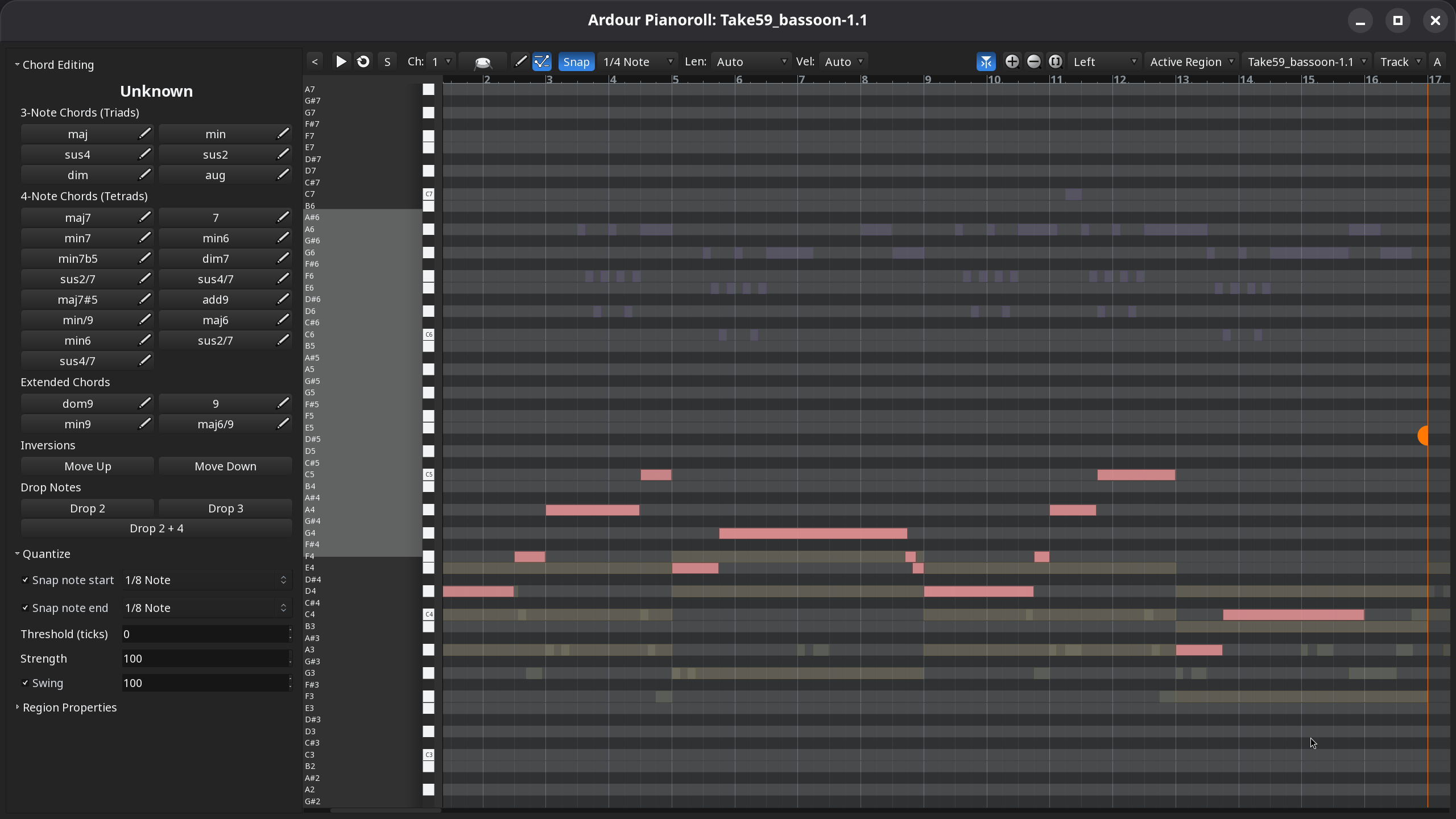
The name of the currently active MIDI region is displayed at the top in a drop-down list:
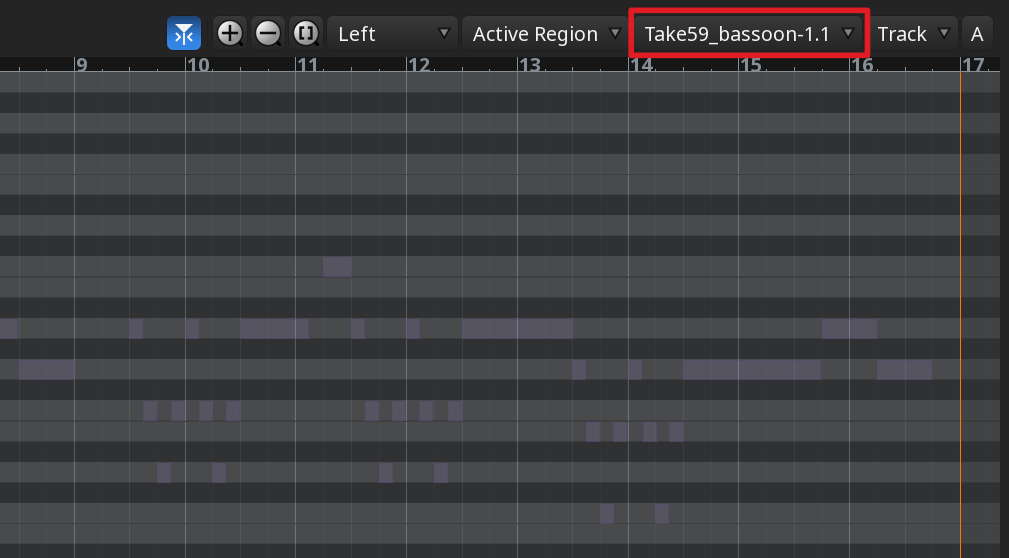
Clicking on the drop-down list displays the full list of MIDI regions you had selected when you opened the pianoroll interface. Choosing a different region will make it the active one, inactive regions' contents will be rendered in faded colors.
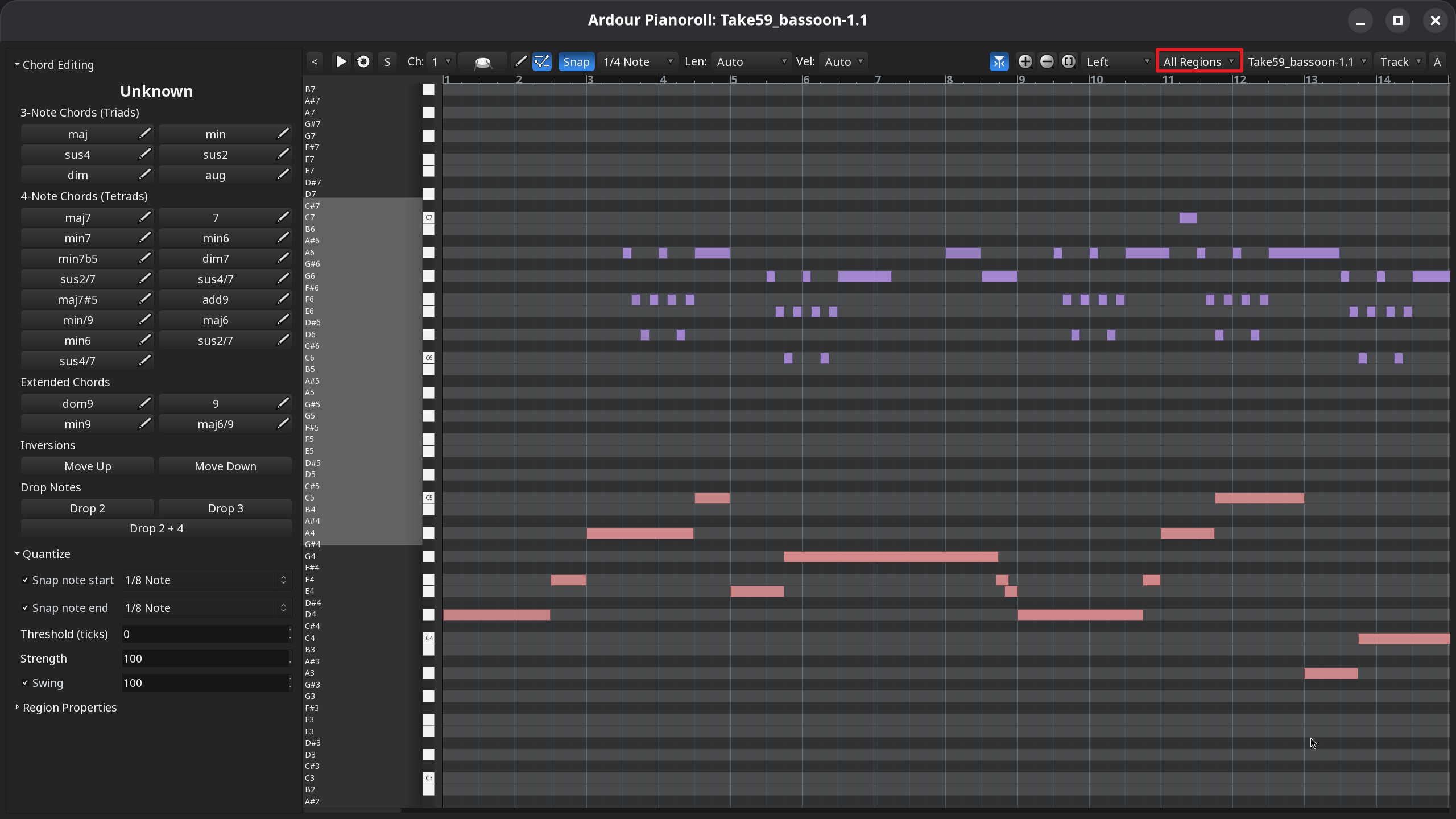
In cases when notes are neatly spread out across octaves between regions, it may be a good idea to enable viewing and editing all regions at once. To do that, click on Active Region in the toolbar and select All Regions instead: